plot is a dependency-free, header-only C++23 charting library that emits clean, self-contained SVG files. It offers a GR-style call API — plot::line, plot::scatter, plot::heatmap — with named arguments for titles, labels, log axes and canvas size, and ships with Solarized light/dark themes out of the box.
Plots
plot::line(os|"file.svg", xs, ys, opts...)— single line series,ysvsxs(bothstd::vector); axes auto-scaled. Multi-series form:plot::line(os|"file.svg", xs, {{"label", data}, ...}, opts...)draws one line per series with a legend.plot::scatter(os|"file.svg", xs, ys, opts...)— scatter of points,ysvsxs; axes auto-scaled.plot::heatmap(os|"file.svg", mat, plot::axis::x(xlabels), plot::axis::y(ylabels), opts...)— 2-D grid colored by cell value.matis aplot::mat<T>{ ptr, rows, cols }(row-major view); floating-point → continuous gradient, integral → categorical.axis::x/axis::ytick labels are required.
Where the first argument is a std::ostream& OR a filename, followed by the data, then the named opts... (title, xlabel, ylabel, xlog, ylog, width, height, use{theme}) in any order. The active theme is the global plot::theme(...) default, or a per-call plot::use{ plot::solarized_light } override.
Accuracy notes from the headers:
- Each driver has a std::ostream& overload and a filename (std::string) overload — the filename one just opens a truncating ofstream.
- plot::line is the only one with the {{"label", data}, …} multi-series overload (each series is a {std::string, std::vector<double>}); scatter/heatmap are single-data.
- heatmap is the one that requires plot::axis::x/axis::y (static-asserted); line/scatter derive their axes from the data and instead take xlabel/ylabel.
Options (pythonic syntax)
plot::title("Throughput vs size")— chart title (string); optional 2nd argplot::position{x,y}and a font.plot::xlabel{"payload [bytes]"}— x-axis label (string).plot::ylabel{"throughput [MB/s]"}— y-axis label (string).plot::xlog{10.0}— log-scale the x-axis; arg is the log base (default10.0, useplot::xlog{2.0}for log2).plot::ylog{...}is the y-axis analogue.plot::width{720}— canvas width in pixels.plot::height{440}— canvas height in pixels.plot::axis::x(std::vector<std::string>{"1K","4K","16K","1M"})— x-axis tick labels (heatmap).plot::axis::y(std::vector<std::string>{"int","float","double"})— y-axis tick labels (heatmap).
All of the above are passed as named options in any order after the positional arguments (os/filename, then the data). e.g.:
Two accuracy notes from the actual headers:
- Brace vs. parens: xlabel/ylabel/xlog/ylog/width/height are aggregates → brace-init {…}. title and axis::x/axis::y are constructed → use parens (…).
- Where each applies: title/xlabel/ylabel/xlog/width/height are for plot::line/plot::scatter (auto-scaled axes), where xlabel/ylabel name the axes. plot::heatmap uses plot::axis::x/y (the tick labels are required there) plus title. So axis::x/y and xlabel/ylabel are the heatmap-vs-line/scatter counterparts, not interchangeable.
Features
- GR-style API — one call per chart (
plot::line/plot::scatter/plot::heatmap) with order-free named arguments (plot::title,plot::xlabel,plot::ylabel,plot::xlog,plot::width,plot::height,plot::axis::x/y). - Solarized themes —
plot::solarized_darkandplot::solarized_lightpresets; set a process-global default withplot::theme(...)or override a single render withplot::use{...}. Aplot::theme_tcarries structural colours, a cycled categorical series palette, and a 3-stop continuous gradient used by the heatmap. - Dependency-free C++23 — standard library only; no runtime, no linking. Output is a single static
.svgyou can open in any browser or embed inline. - **
find_packagefriendly** — header-onlyplot::plotINTERFACE target with an installed CMake package config; justfind_package(plot)and linkplot::plot.
Composing figures — view & grid
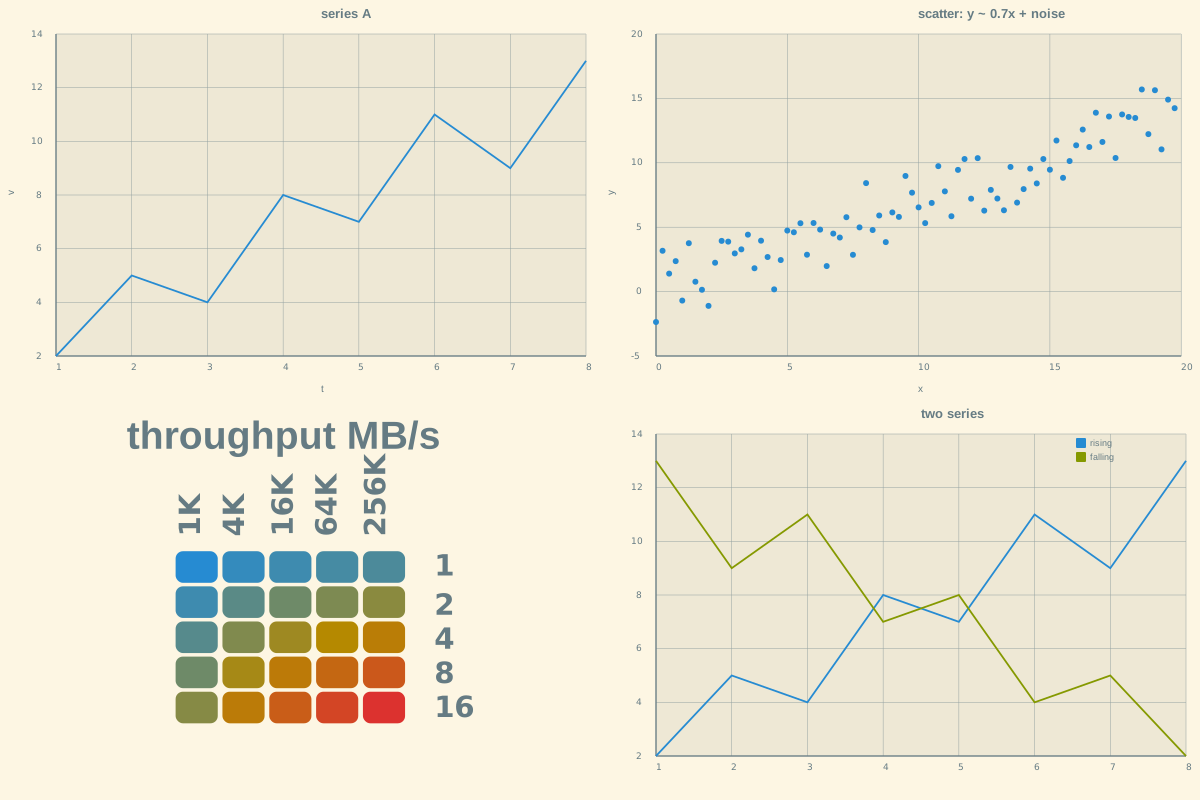
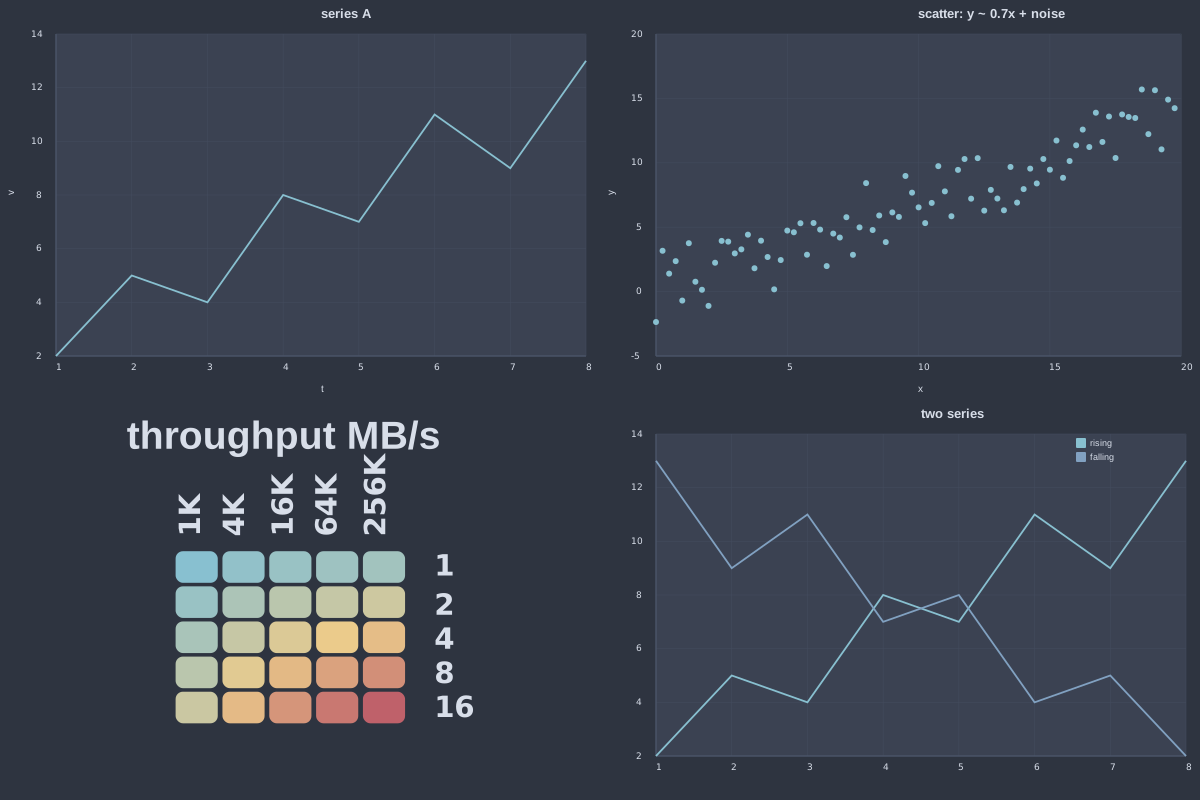
Each driver has a no-os/no-filename form that defers the render: it captures the data and named options by value and returns a movable, composable **view** instead of writing anything.
So plot::line(xs, ys, opts...) returns a view, and the familiar plot::line("series.svg", xs, ys, opts...) (leading filename/ostream) is just sugar for plot::save("series.svg", plot::line(xs, ys, opts...)).
plot::grid(file|os, …) tiles several views into a single figure. It is variadic and order-independent: it collects every view argument (in order) and resolves plot::rows{r} / plot::cols{c} / plot::width{...} / plot::height{...} / plot::use{...} by tag, in any order. Omit rows/cols and it lays out automatically (cols = ceil(sqrt(N))).
Themes. A view carries no theme of its own: at render time each view resolves the process-global plot::theme(...) default — unless it was built with a per-view plot::use{ ... } override. plot::grid likewise paints the figure background from the resolved theme (its own plot::use{...}, else the global default), so one plot::theme(...) call styles the whole dashboard.
See examples/dashboard.cpp for the program that emits the figure above.
Plot types
The shipping drivers, plus the gallery still being filled out. Every one has a deferred view form (no leading os/filename) and the filename/ostream sugar shown above.
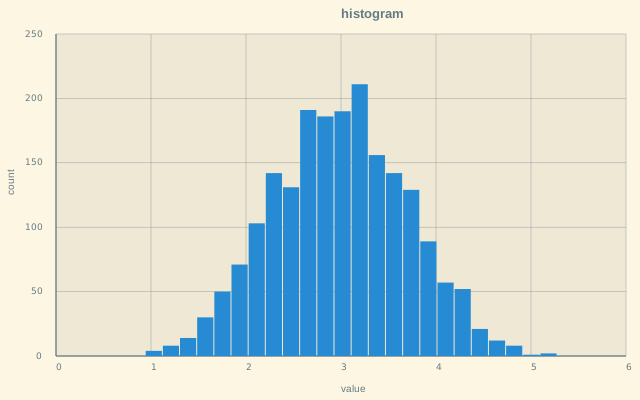
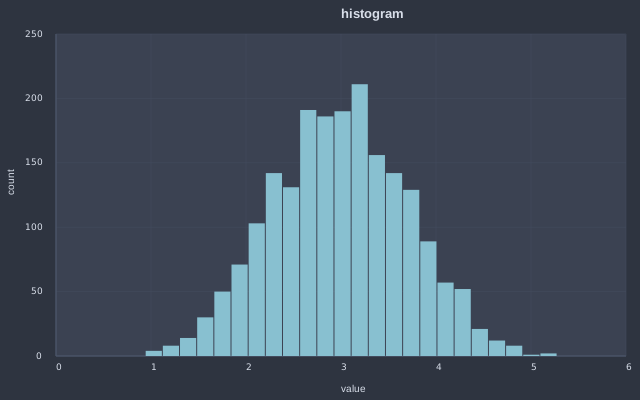
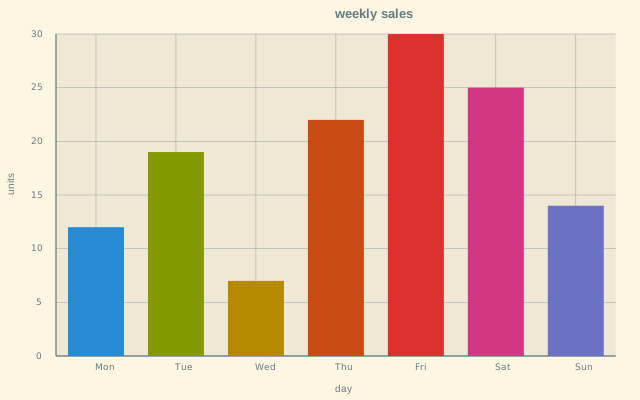
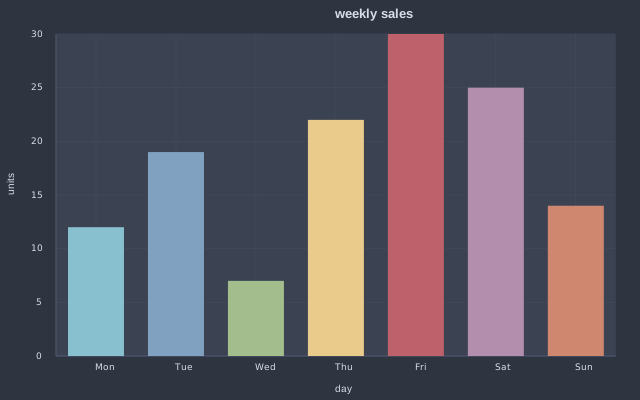
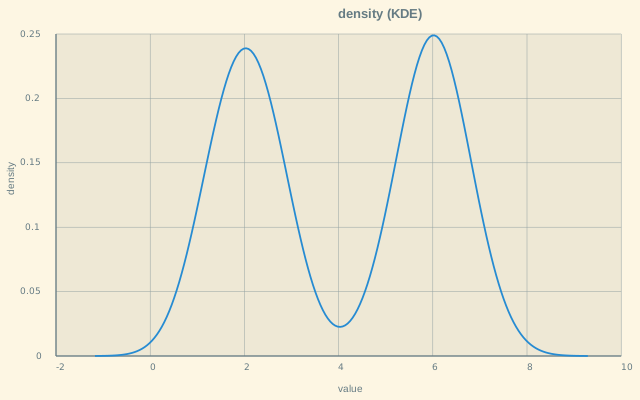
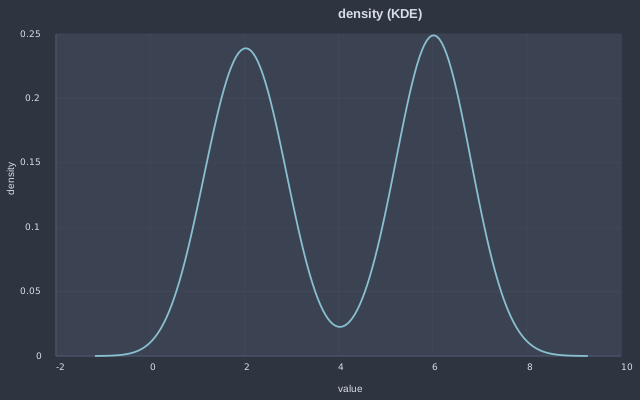
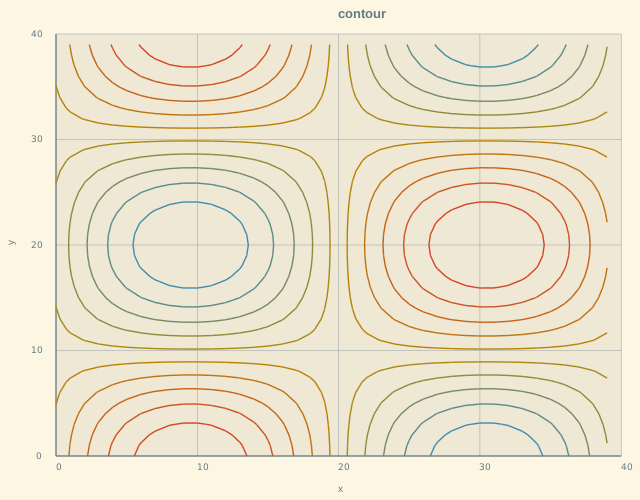
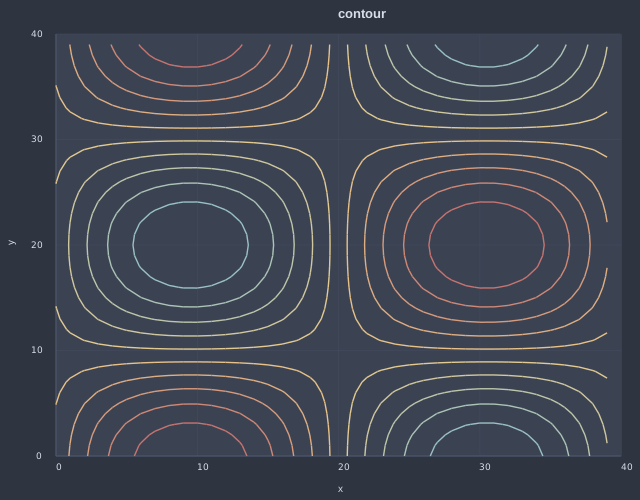
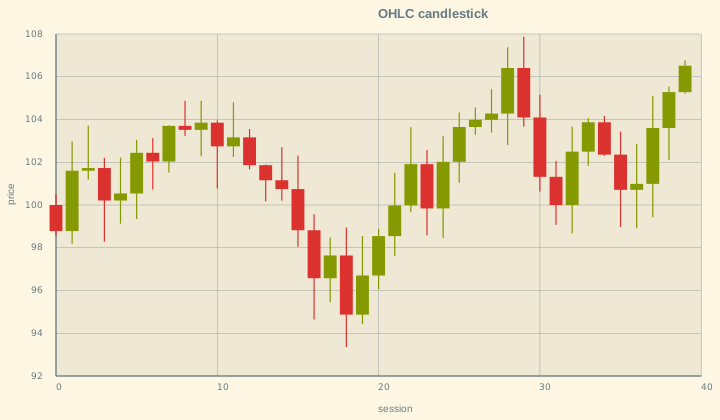
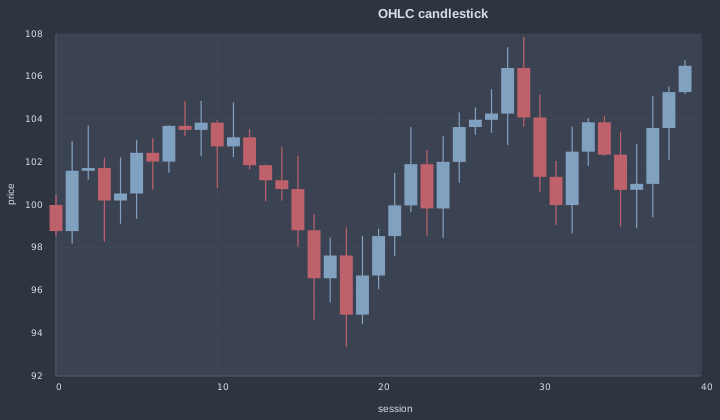
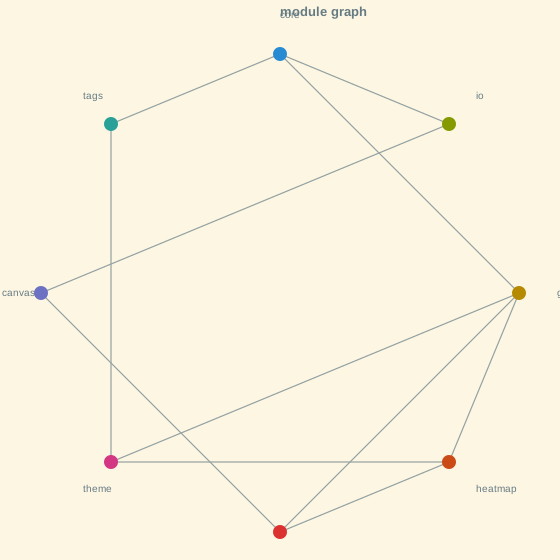
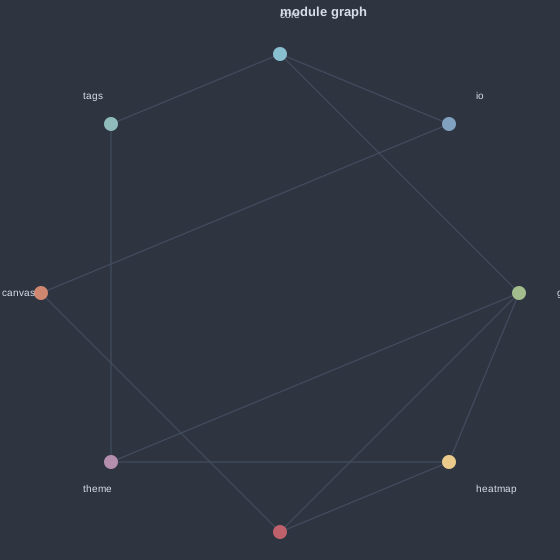
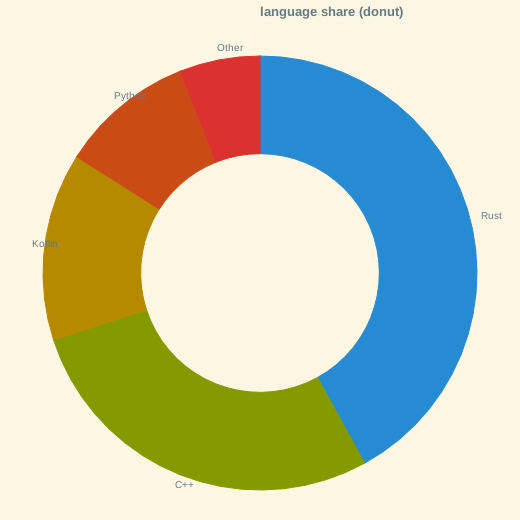
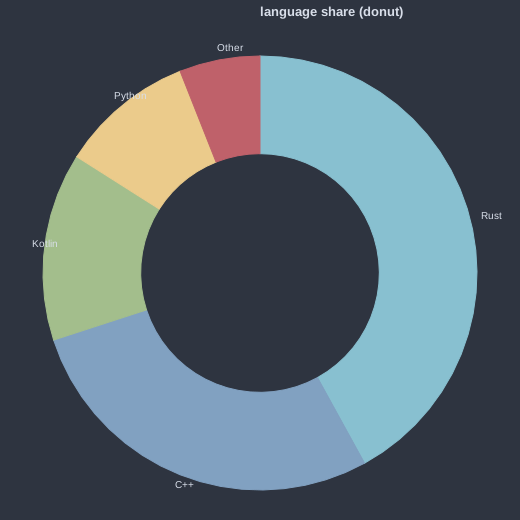
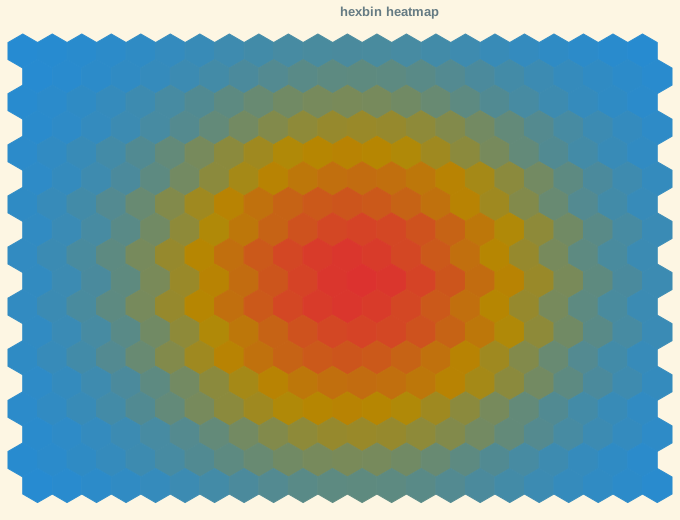
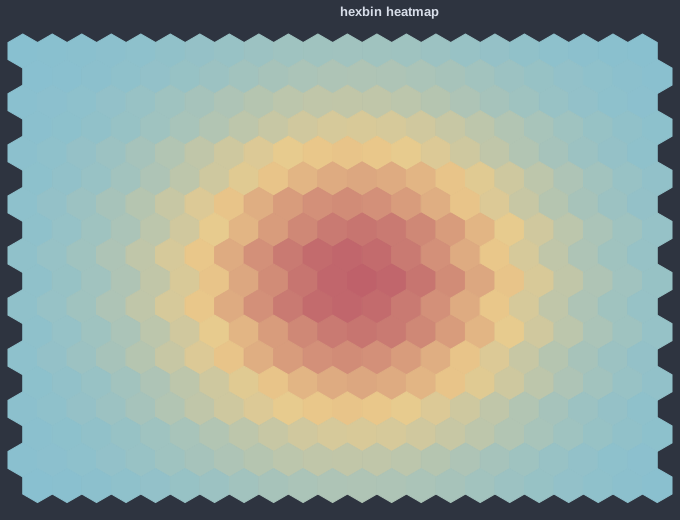
plot::line(xs, ys, opts...)— line series (multi-series:plot::line(xs, {{"label", data}, …}, opts...)).plot::scatter(xs, ys, opts...)— scatter of points.plot::heatmap(mat, plot::axis::x(xs), plot::axis::y(ys), opts...)— 2-D grid colored by cell value.plot::histogram(values, opts...)— binned frequency *(coming in the gallery)*.plot::bar(labels, values, opts...)— categorical bars *(coming in the gallery)*.plot::density(values, opts...)— smoothed (KDE) distribution *(coming in the gallery)*.plot::contour(mat, opts...)— iso-level contours of a scalar field *(coming in the gallery)*.plot::ohlc(t, open, high, low, close, opts...)— open/high/low/close candles *(coming in the gallery)*.plot::graph(nodes, edges, opts...)— node/edge network layout *(coming in the gallery)*.plot::pie(labels, values, opts...)— proportional wedges *(coming in the gallery)*.plot::donut(labels, values, opts...)— donut (pie with a default inner-radius hole; adjust withplot::hole{r}).plot::hexbin(xs, ys, opts...)— hexagonal density binning *(coming in the gallery)*.
Gallery
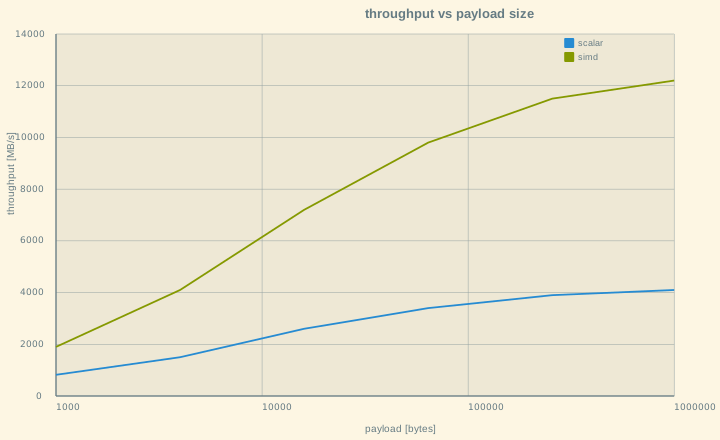
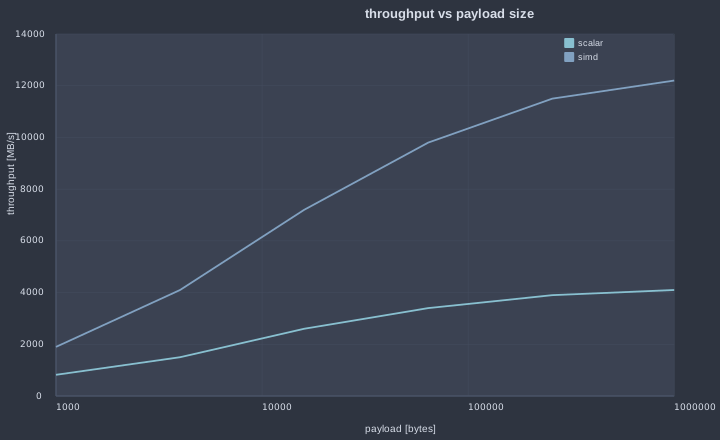
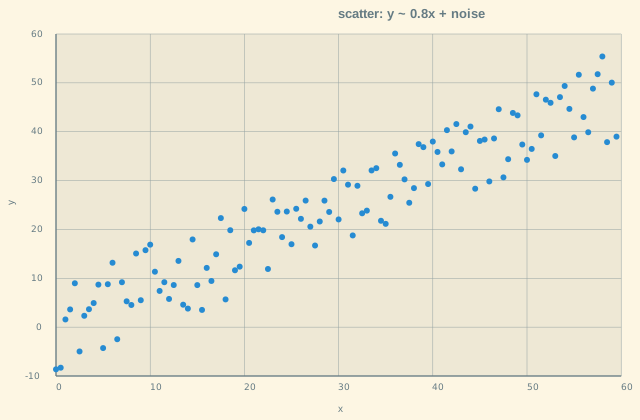
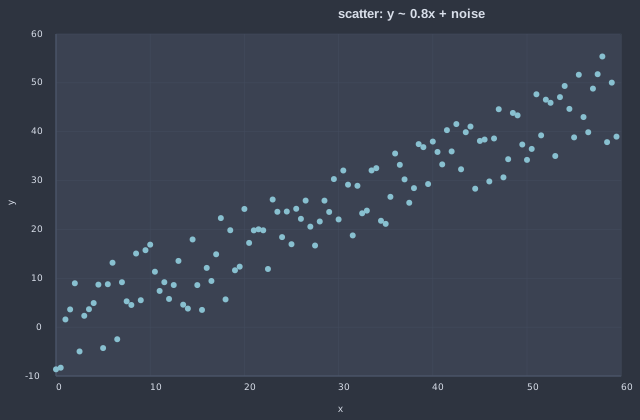
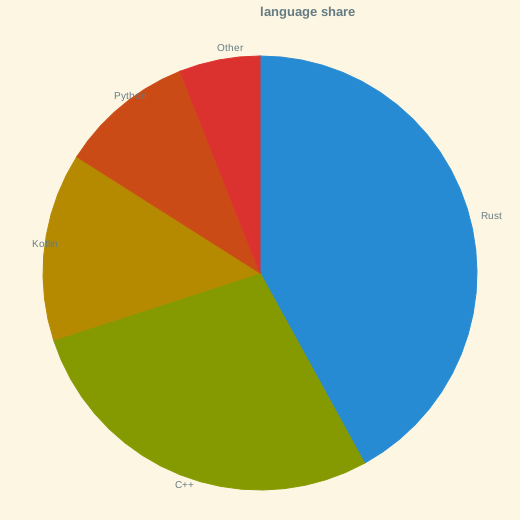
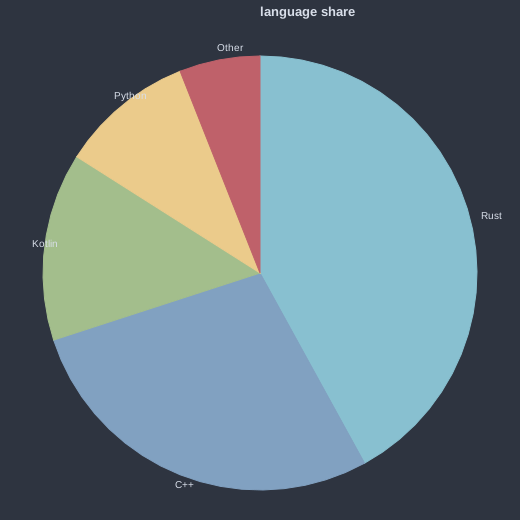
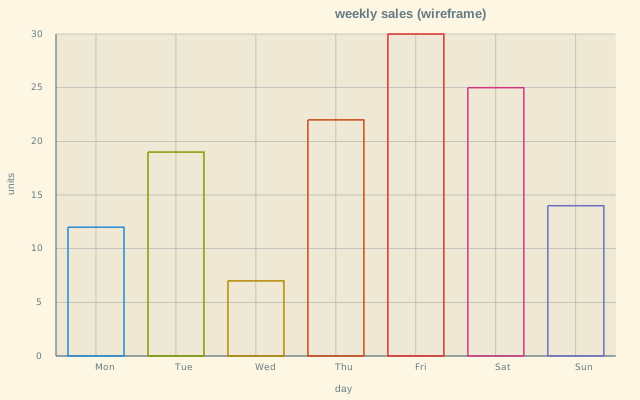
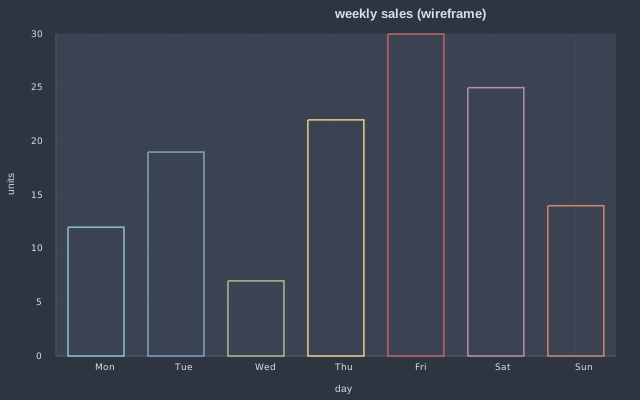
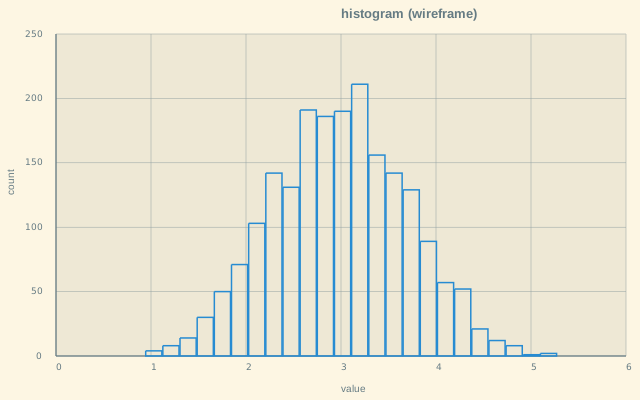
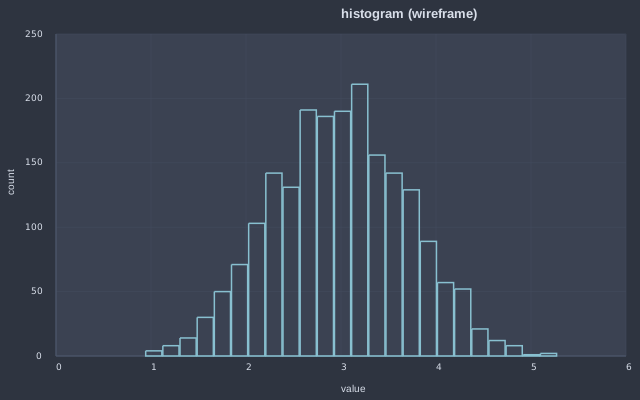
Every shipping driver. The image follows the page theme — use the moon/sun toggle (top-right) to switch renders. Dark uses the Nord theme (matched to this site's dark background); light uses Solarized Light. The bottom row shows the hollow (wireframe) plot::bar / plot::histogram variants beside the dashboard.
  |   |   |
  |   |   |
  |   |   |
  |   |   |
  |   |   |
Themes
Every render resolves a plot::theme_t — structural colours, a cycled categorical series palette and a 3-stop continuous gradient for the heatmap. Set the process-global default with plot::theme(t), or override a single render with a per-call plot::use{t}.
The presets below ship in theme.hpp (added in a parallel lane):
| Theme | Description |
|---|---|
solarized_dark | Solarized — dark, low-contrast teal/amber base. |
solarized_light | Solarized — light, warm paper background. |
dark_plus | VS Code Dark+ — neutral dark editor palette. |
light_plus | VS Code Light+ — neutral light editor palette. |
monokai | Monokai — dark with vivid green/orange/pink accents. |
dracula | Dracula — dark, vivid pink/purple accents. |
nord | Nord — cool, muted arctic blue-grey. |
one_dark | One Dark — Atom-style balanced dark. |
gruvbox_dark | Gruvbox — dark, retro warm earth tones. |
gruvbox_light | Gruvbox — light, retro warm earth tones. |
tomorrow_night | Tomorrow Night — soft, even-contrast dark. |
night_owl | Night Owl — deep blue dark, high legibility. |
material | Material — Material Design dark teal/blue. |
tokyo_night | Tokyo Night — deep indigo dark, neon accents. |
Building & integrating
In a downstream project:
Copyright © 2026 Steven Varga — MIT License.